
LaBotte

286

3

5
Any of you ever tried to install Android on a UEFI Windows 8 tablet in dual boot ?
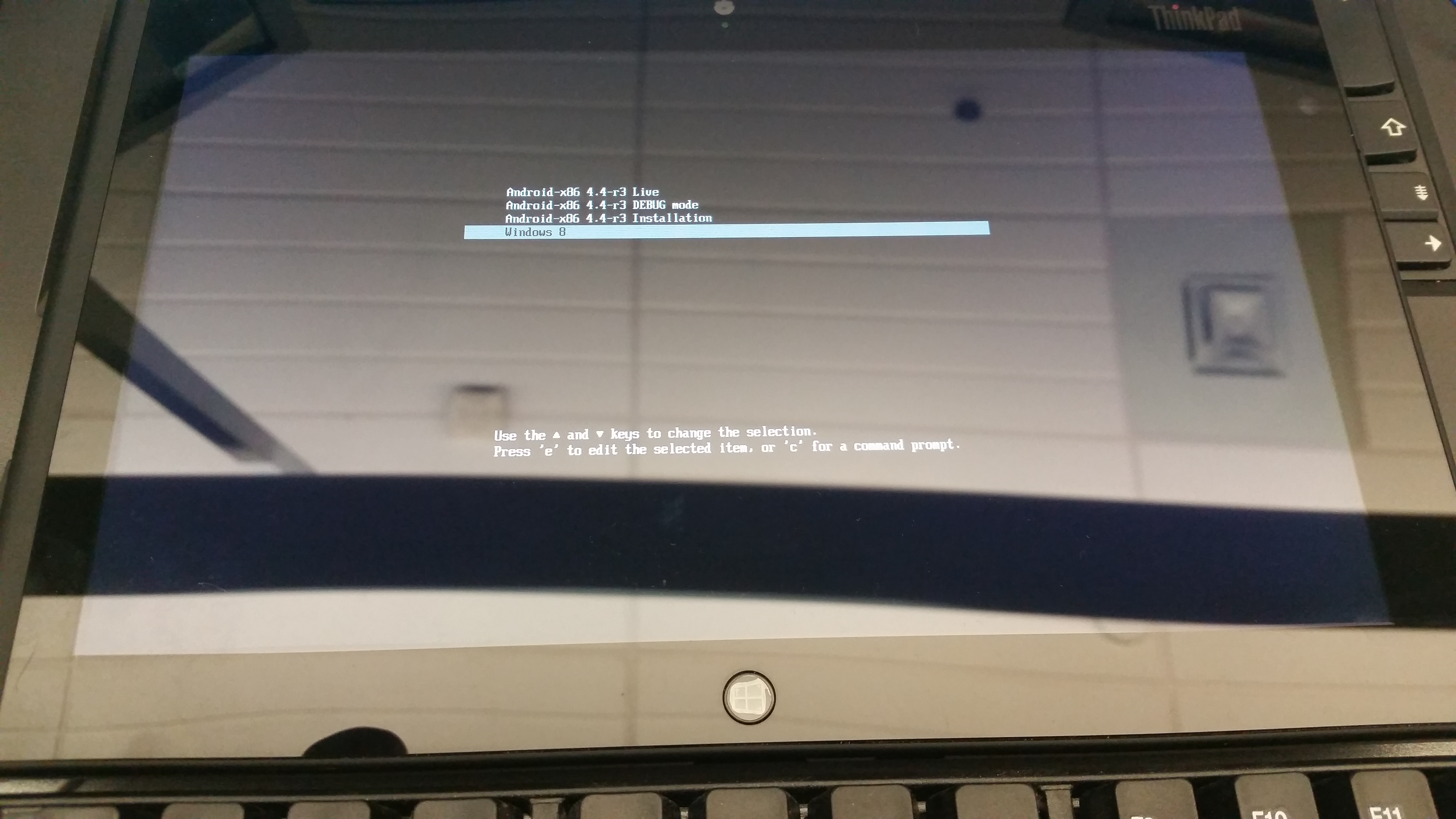
I tried this video https://www.youtube.com/watch?v=oamzelhTTTw
I format my key, I boot on the key, I select the Android installation (or live CD, same result) and nothing happening. Only black screen with non-flashing cursor http://imgur.com/QAhB1ht or empty screen (depending on which Android-x86 image I'm trying to install) ... Sorry for potato quality, I didn't want reflection on that one.
I'm not good with Grub and I don't know if I should modify something.
All comments says it worked well....
anyway, I am giving up for tonight, I thought you guys might know the solution.
Scobeywannn
Can you change to ahci and did you make sure that the key was bootable?
LaBotte
I cannot change to AHCI, it's not an option. But i disabled everything all tutos ask. And yes, I boot it, the pix shows install menu.
aMiu
Make sure secure boot is off, and you likely need to append kernel parameters to the boot string
aMiu
Either that or Grub is looking in the wrong place for the kernel
CaptainMaximum
If you've followed everything exactly, as you say, i might blame the bootable media itself
LaBotte
I tried 4 x 4gb USB generic brand and 1 x 8gb Kingston. Same result each time regardless of the android version I try.
CaptainMaximum
Well damn. That's about all I've got. I'd look for some text instructions, on, like, XDA developers if you haven't already found them.
LaBotte
I've posted a question to the youtube uploaded. I'll continue my search tomorrow. Thanks. Good night.
Clockworkdancerobot
I thought the idea behind the UEFI was to not let anyone install anything else other than windows on it.
LaBotte
no it works. ... well several video and forums says it works. Just not for me.
dpidcoe
pretty much. @OP probably needs to change some security settings somewhere to allow "unverified" software or somesuch.
LaBotte
Did all that. Thanks.
aMiu
Actually, it is to keep things from hijacking the boot process, like rootkits. It is possible to create keys and load them into the UEFI.
Clockworkdancerobot
That is what they say, but not what they mean. The hijacking of the boot process wasn't a huge issue. Things get very infected still.
aMiu
Yeah, but It has literally been years since I have seen some of the chainloading nastiness that was floating around
aMiu
And unless the UEFI implementation is totally broken, it is trivial to get other OSes loading on it.